English
 عربي
عربي 
Substrate changes are one of the most common sources of production disruption in flexographic printing and slitting lines. The core challenge is that different materials—paper, film, foil, or non-woven—respond differently to tension, heat, and mechanical handling. When you switch from one substrate to another without proper adjustment, you risk tension drift, register errors, slitting defects, and material waste. This article explains why substrate changes cause problems, what adjustments are required, and how to build a reliable changeover process.
Why Substrate Changes Cause Problems
Every roll material has its own physical properties. Paper stretches differently than plastic film. Foil has low elongation but high sensitivity to tension spikes. Non-woven fabrics behave differently again.
When a flexo printing or slitting line is set up for one substrate, the machine parameters—tension settings, nip pressures, drying temperatures, and guide positions—are optimized for that material‘s specific behavior. Switch to a different substrate, and those same settings may no longer be appropriate.
The most common issues that arise after a substrate change include:
-
Tension drift: The new material may require higher or lower tension to run properly. If tension is too high, the substrate stretches or breaks. If too low, it wanders or wrinkles.
-
Register errors: In flexo printing, register accuracy depends on consistent substrate behavior through the press. A material with different elongation characteristics will shift the print position.
-
Slitting quality degradation: Different materials require different slitting speeds, knife pressures, and winding tensions. What works for paper may not work for film.
-
Drying issues: A heavier paper may need more drying energy than a lightweight film. If the drying system is not adjusted, ink may not cure properly.
-
Winding defects: Taper tension settings that produce neat rolls for one material may cause telescoping or crushing in another.
Key Substrate Properties That Affect Line Performance
Before you can manage substrate changes effectively, you need to understand which material properties matter most.
| Property | Impact on Flexo Printing | Impact on Slitting |
|---|---|---|
| Tensile strength | Determines maximum tension before stretching or breaking | Affects winding tension limits |
| Elongation | Affects register stability between color stations | Influences slitting speed capability |
| Surface energy | Affects ink adhesion and drying requirements | Minimal impact |
| Thickness/GSM | Affects nip pressure and drying energy needed | Affects knife clearance and winding density |
| Coefficient of friction | Affects web guiding and tension consistency | Affects roll slippage during rewinding |
| Moisture content | Paper expands/contracts with moisture changes | Can cause edge curling or warping |
A material with high elongation (like many plastic films) requires tighter tension control to maintain register. A material with low tensile strength (like lightweight paper) needs lower tension to prevent breaks. These differences explain why a “one setting fits all” approach does not work.
The Adjustment Sequence: What to Check When Changing Substrates
When you change from one substrate to another, follow this sequence to minimize problems:
1. Tension System Adjustment
Tension is the most critical variable. Closed-loop automatic tension control systems, which use magnetic powder brakes and high-precision sensors, can help maintain constant tension across material changes. However, the target tension value itself must be reset for each material type.
What to check:
-
Unwinding tension: Should be set based on the new material‘s tensile strength
-
Intermediate tension: Must remain consistent through printing or slitting stations
-
Rewinding tension: Should increase gradually (taper tension) to prevent core crushing
General rule: Start with lower tension and increase gradually until the material runs stable. Too much tension is more damaging than too little.
2. Register System Check
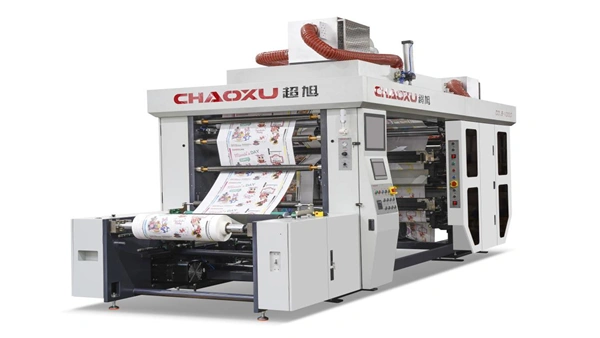
In flexo printing, register accuracy depends on the substrate’s dimensional stability. CHAOXU‘s fully servo-driven presses use CCD real-time tracking and automatic compensation for material expansion and contraction, achieving overlay accuracy within ±0.1mm. But even with automatic systems, the target register position may shift when the substrate changes.
What to check:
-
Verify register marks are correctly detected on the new material
-
Check that the automatic compensation range is adequate for the new material‘s behavior
-
Run a short test print before starting full production
3. Drying System Adjustment
Different substrates absorb and release heat differently. Paper can tolerate higher drying temperatures than many films, which may shrink or distort under excessive heat.
What to check:
-
Drying temperature: Lower for heat-sensitive films, higher for papers
-
Airflow: May need adjustment for heavier materials that require more drying energy
-
Drying method: Hot air, infrared, and UV drying are available for different ink and substrate combinations
4. Slitting Parameters
For slitting operations, substrate changes affect knife selection, slitting speed, and winding tension.
What to check:
-
Knife type: Flat knives work for most materials, but round knives may be better for certain films
-
Slitting speed: May need to be reduced for tougher or more delicate materials
-
Winding tension: Multi-stage taper tension control adapts to different materials and supports consistent winding tightness
5. Guide and Edge Control
Automatic edge guiding systems (EPC) help maintain web position, but the sensor sensitivity may need adjustment for different material opacities or surface characteristics.
What to check:
-
Edge sensor calibration for the new material
-
Guide response speed—may need tuning for materials that wander more
Substrate Change Checklist for Operators
Use this checklist when changing substrates on a flexo or slitting line:
- Confirm new material specifications: GSM/thickness, width, roll diameter, tensile strength data
- Reset unwind tension: Start low, increase gradually
- Check intermediate tension: Ensure consistency through all stations
- Adjust drying temperature: Lower for films, higher for papers
- Verify register system: Run test print, check mark detection
- Set slitting parameters: Speed, knife pressure, winding tension
- Calibrate edge guide: Adjust sensor for new material opacity
- Run at reduced speed: Validate all settings before full production speed
- Inspect first rolls: Check print quality, slitting edge, and winding appearance
- Document settings: Record successful parameters for future reference
How Machine Configuration Affects Substrate Changeover
The type of flexographic press you use affects how easily you can handle substrate changes.
| Press Type | Substrate Flexibility | Changeover Complexity |
|---|---|---|
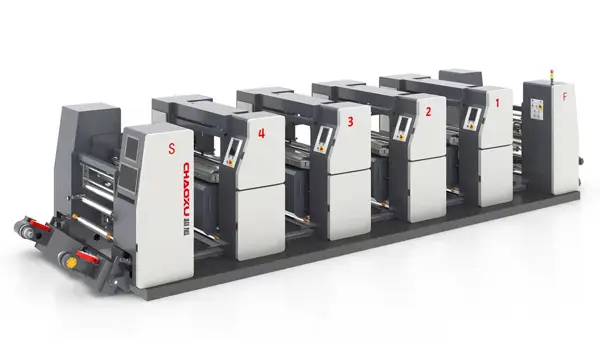
| Unit Type | Good for paper and film | Moderate—each unit can be adjusted independently |
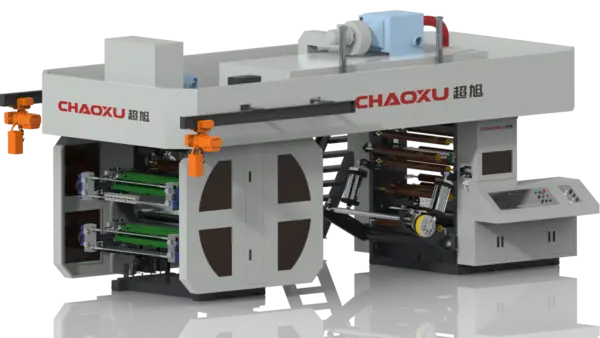
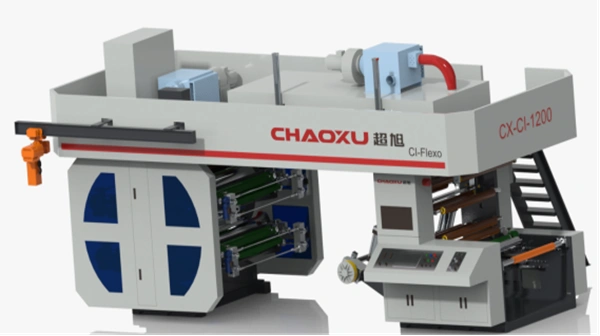
| CI Type | Excellent for films | Lower—central impression cylinder provides stable tension |
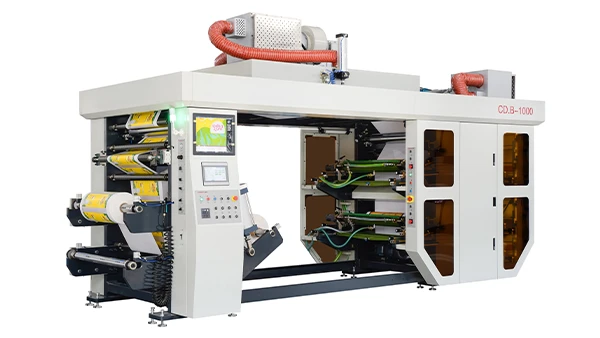
| Stack Type | Good for paper and some films | Moderate—compact design but limited accessibility |
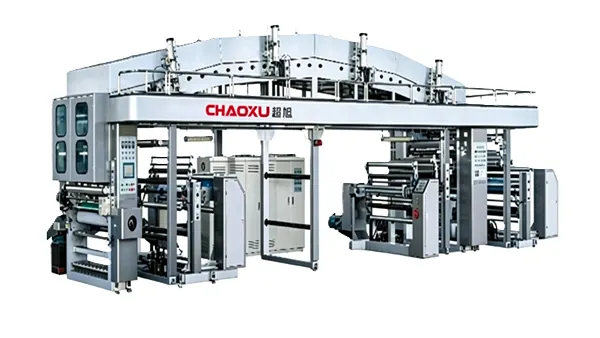
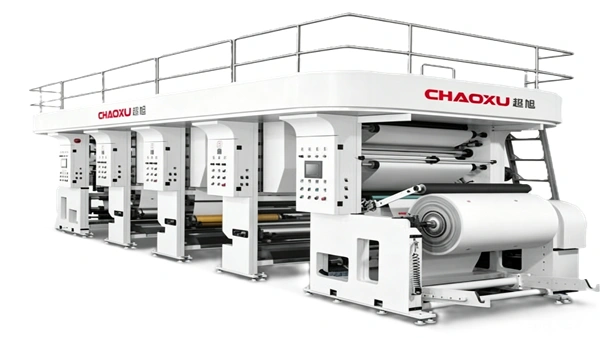
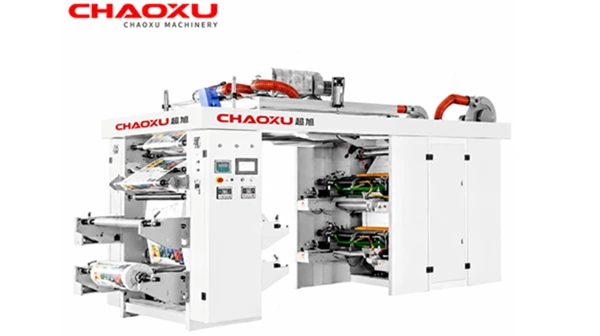
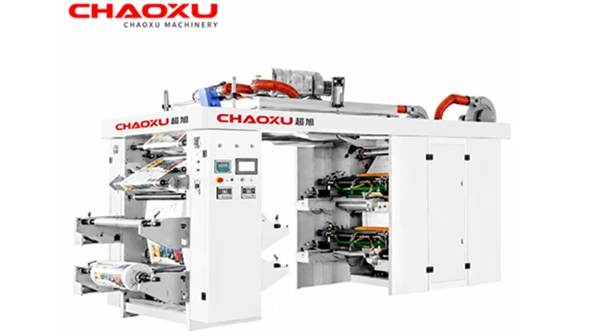
CHAOXU offers unit type, CI type, and stack type flexographic printing machines to support different material applications. For operations that frequently change between paper and film substrates, a CI type press with servo drive may offer better register stability.
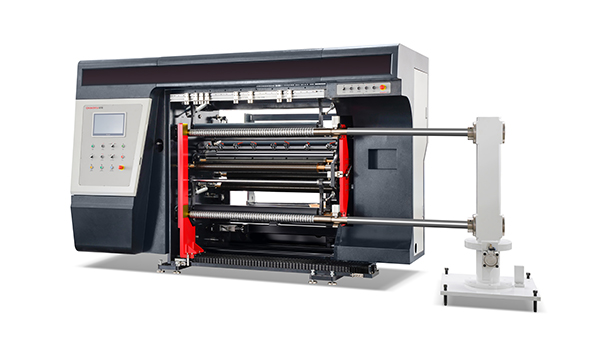
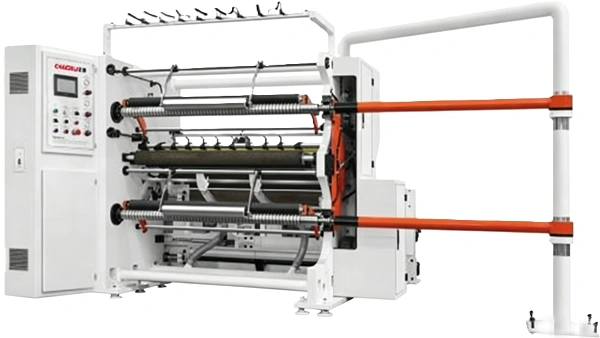
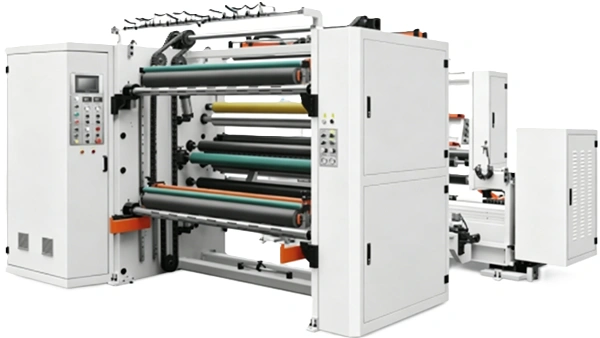
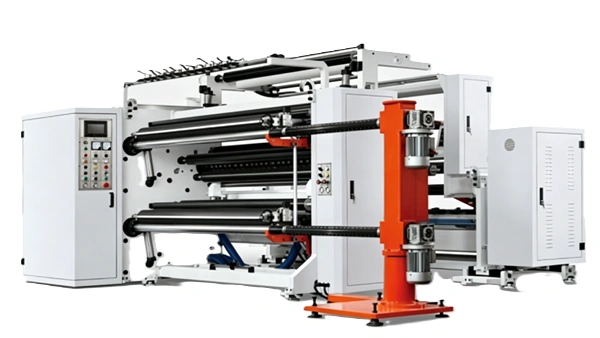
For slitting, machines with closed-loop tension control and programmable parameters reduce changeover time. CHAOXU slitting machines use Siemens PLC and touchscreen interfaces that support parameter setting and recall, allowing operators to save and load settings for different materials.
Common Mistakes During Substrate Changes
Avoid these frequent errors:
-
Assuming similar materials behave the same: Two papers with different GSM or coating can require completely different tension settings.
-
Skipping the test run: Going straight to full speed after a substrate change often results in waste.
-
Not documenting successful settings: Without records, the same adjustments must be rediscovered each time.
-
Ignoring environmental factors: Temperature and humidity affect substrate behavior, especially paper.
-
Using the same slitting speed for all materials: Films may require slower speeds to maintain edge quality.
When to Seek Technical Support
If substrate changes consistently cause problems despite following proper procedures, the issue may be deeper than operator adjustment. Consider reviewing:
-
Whether the machine is correctly configured for the material types you process
-
Whether tension control components (brakes, sensors, drives) are functioning properly
-
Whether drying capacity matches your substrate and ink combination
Buyers should confirm specifications with the supplier based on their actual material mix. CHAOXU provides project configuration support, including discussion of drying, tension control, servo drive, and inspection requirements.
Review the available flexographic printing machine configurations to understand which press types best support your material mix.
FAQ
Why does print register shift after I change to a different substrate?
Different substrates have different elongation characteristics. When tension is applied, some materials stretch more than others, causing the print position to shift relative to the previous substrate. This is why register settings often need recalibration after a material change. Servo-driven presses with automatic compensation can reduce but not eliminate the need for adjustment.
What is the most important parameter to adjust when changing substrates?
Tension is typically the most critical parameter. It affects register accuracy, web stability, slitting quality, and winding appearance. Start with lower tension and increase gradually until the material runs stable. Closed-loop automatic tension control systems can help maintain consistent tension once the target value is set.
How do I know if my slitting machine is set up correctly for a new material?
Check the slitting edge quality first. Ragged edges suggest dull knives or incorrect knife pressure. Uneven winding suggests incorrect taper tension settings. If the material breaks frequently, tension is too high. If it wanders or wrinkles, tension is too low or edge guide calibration is off.
Can I use the same drying settings for paper and film substrates?
Generally no. Paper can tolerate higher temperatures and may require more drying energy due to its thickness and absorbency. Films are more heat-sensitive and may shrink or distort at high temperatures. Always verify drying temperature and airflow when switching between paper and film.
How can I reduce changeover time when switching substrates?
Use machines with programmable parameter storage (such as Siemens PLC systems) to save and recall settings for each material. Document successful settings for each substrate type. Train operators on a standardized changeover sequence. Consider whether your machine configuration (unit type vs. CI type) is optimal for the range of materials you process.
What substrate properties should I provide when requesting a machine quote?
When discussing equipment requirements with a supplier, prepare material type, thickness or GSM, print width, number of colors, roll diameter, voltage, speed target, and factory layout limits. The more information you provide about your substrate mix, the better the machine can be configured for your needs.
Conclusion
Substrate changes in flexo and slitting lines are inevitable in packaging production. The key to managing them successfully is understanding that different materials require different machine settings—and that a disciplined changeover process reduces waste, improves quality, and saves time.
The most critical rule: Never assume the same settings work for different substrates. Always verify tension, register, drying, and slitting parameters after every material change. Document what works for future reference.
If your operation frequently switches between paper, film, foil, or non-woven materials, consider whether your current equipment configuration supports efficient changeovers. Discuss your material mix and production requirements with the equipment supplier to ensure the machine is configured appropriately.
For a detailed review of flexographic printing machine types and configurations suitable for different substrates, explore the flexo printing machine product category →