English
 عربي
عربي 
Print quality problems on corrugated board rarely appear randomly. Registration drift, fluting stripes, weak ink adhesion, and board crush each trace back to specific interactions between the press setup, the substrate, and the ink system. The first step is not to adjust everything at once but to identify which variable changed — substrate lot, plate condition, anilox volume, impression pressure, or ink viscosity. This article maps the four most common defect patterns to their likely causes and provides a practical check sequence for each.
Why Corrugated Substrates Resist Uniform Printing
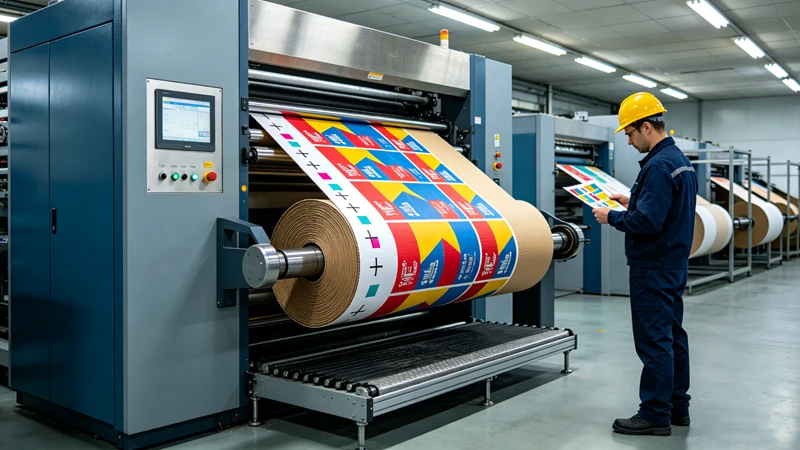
Corrugated board is not a flat, homogeneous printing surface. The liner sits on top of a fluted medium, and the flute tips and valleys create microscopic height differences across the sheet. When the printing plate meets the liner in the nip, those height variations produce uneven pressure distribution. Areas directly above flute tips receive more impression force; areas above flute valleys receive less.
This structural reality has two consequences. First, flexo plates used on corrugated board are typically softer (lower Shore A durometer) than plates used on film or folding carton stock, so they can conform to the surface without requiring excessive pressure. Second, the press operator must find an impression setting that transfers enough ink for solid coverage while avoiding flute crush — a narrow window that shifts whenever the substrate lot or plate thickness changes.
Understanding this baseline constraint explains why corrugated flexo defect troubleshooting almost always begins with two questions: What changed in the substrate? and What is the actual impression setting?
Defect 1: Registration Drift Between Colors or Against the Box Edge
Registration problems on corrugated take two forms: color-to-color misalignment and print-to-edge misregistration. Both increase waste and can trigger customer rejections on high-graphic boxes.
Likely causes, in order of frequency:
-
Web tension variation. Linerboard stretches under tension. If unwind tension drifts upward during a run, the print repeat lengthens in the machine direction. Look for tension fluctuations before adjusting register controls.
-
Plate stretching. Soft photopolymer plates elongate when mounted on the cylinder, and they stretch further when impression pressure is excessive. A solid area stretches more than fine text on the same plate.
-
Anilox or plate wear differences between stations. If one station’s anilox volume has dropped due to ink blinding, the operator may compensate with additional pressure — which then alters the plate’s effective circumference and shifts registration.
-
Substrate moisture variation. Linerboard absorbs moisture unevenly, causing dimensional changes that manifest as registration drift over the course of a run.
Where to check first: Record the unwind tension reading at the moment registration was acceptable. Compare it to the current reading. If tension is stable, inspect the plate mounting tape for compression set and verify that plate thickness matches the job specification.
Defect 2: Fluting, Washboarding, or Stripe Patterns
Fluting — the visible stripe pattern that follows the flute direction — is one of the most recognizable flexo defects on corrugated. It appears as alternating bands of higher and lower print density across the printed area. Research shows that fluting in halftone prints is caused by differences in dot gain between areas above flute ridges versus flute valleys.
Key contributing factors:
-
Impression pressure set too high. More pressure means the plate deforms more into the flute valleys, amplifying the density difference.
-
Plate durometer too hard for the substrate. A plate that is too stiff cannot conform to the liner surface without excessive pressure. Softer plates provide wider impression latitude on corrugated.
-
Thin or recycled liner. As linerboard caliper decreases and recycled content increases, surface irregularity grows, making the board more prone to fluting.
-
Anilox volume mismatch. If ink film weight is too high, the excess ink exaggerates density differences between flute peaks and valleys.
Where to check first: Pull a test print at reduced impression pressure. If fluting decreases but solids become weak, the plate durometer may be too hard for the liner grade. Review the anilox volume specification against the job’s ink film requirement.
Defect 3: Poor Ink Adhesion or Rub-Off on Linerboard
Water-based flexo inks rely on the liner surface having sufficient surface energy for the ink to wet and adhere. When adhesion is weak, the printed surface may rub off during handling or show mottled coverage.
Primary causes:
-
Surface energy below the ink’s wetting threshold. Many packaging specifications call for a minimum of 40 dynes/cm on the liner surface, verified by ASTM D2578 dyne pen testing. If the liner lot arrives below specification, ink adhesion will be inconsistent regardless of press settings.
-
Ink viscosity drift. Water-based inks lose water to evaporation during a run. Higher viscosity means a thicker ink film that may sit on the surface rather than penetrating the liner fibers.
-
Drying capacity insufficient for press speed. If the dryer cannot remove the ink’s water carrier before the web reaches the next station, set-off and poor adhesion follow.
-
Contaminated liner surface. Recycled liner stocks can carry calcium carbonate dust or release agents that interfere with ink wetting.
Where to check first: Test the incoming liner lot with a dyne pen before the job runs. During the run, check ink viscosity at the start, middle, and end of the shift. If adhesion fails only in certain areas of the sheet, inspect the liner for contamination or coating variation.
Defect 4: Board Crush — When Print Pressure Weakens the Box
Board crush occurs when the impression between plate and anvil compresses the fluted medium, reducing the board’s caliper and load-bearing capacity. Unlike surface defects, crush may not be visible on the printed sheet but shows up as reduced box compression strength in downstream testing.
Causes and indicators:
-
Excessive impression pressure to compensate for weak solids or poor ink transfer. This is the most common root cause. If the operator increases pressure to fix a print density problem, crush risk rises.
-
Anilox volume too low for the job. Insufficient ink transfer tempts operators to raise pressure. Correcting the anilox specification is the safer fix.
-
Plate thickness or mounting tape mismatch. If the total plate cylinder packing is wrong, the press cannot achieve correct impression without over-compression.
-
Board moisture content too low. Dry board crushes more easily than board at the specified moisture range.
Where to check first: Measure board caliper before and after printing. If caliper loss exceeds the board supplier’s tolerance, audit impression pressure and verify that plate packing height matches the press manufacturer’s specification. Review whether the anilox volume was recently downgraded by wear or incorrect selection.
Quick Diagnostic Table
| Symptom | Check First | Then Check | Adjustment Direction |
| Registration drift | Unwind tension stability | Plate thickness vs. spec | Stabilize tension; verify plate packing |
| Fluting / stripes | Impression pressure | Plate durometer | Reduce pressure; evaluate softer plate |
| Ink rub-off | Liner surface energy (dyne test) | Ink viscosity at press | Confirm liner spec; adjust viscosity |
| Board crush | Board caliper before/after print | Anilox volume and plate packing | Reduce pressure; correct anilox or packing |
Pre-Run Checklist for Corrugated Flexo Jobs
Use this checklist before starting a job on corrugated linerboard. It covers the four defect categories above and helps catch setup issues before they generate waste.
- Verify liner lot surface energy with dyne pen (target ≥40 dynes/cm per job specification)
- Confirm plate thickness and mounting tape durometer match the job specification
- Record unwind tension setpoint and verify stability over 10 minutes of running
- Check anilox roll volume against the ink film requirement for the job
- Measure board caliper on the incoming lot and compare to supplier tolerance
- Set ink viscosity to the supplier’s recommended range at press temperature
- Run a test print at minimum impression and inspect for fluting before increasing pressure
- Measure caliper after the first 50 meters of printed board
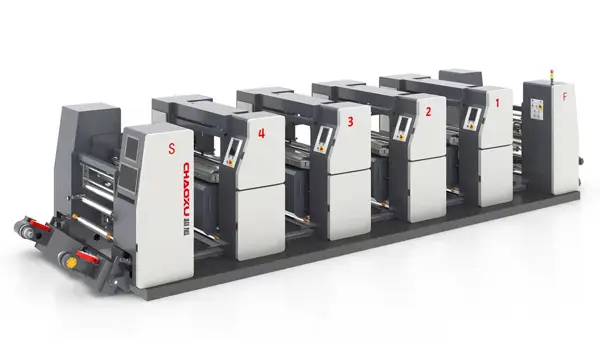
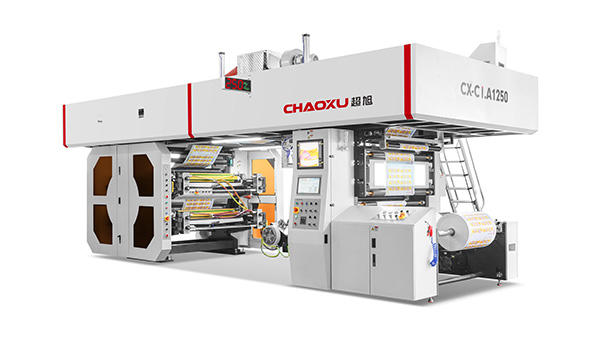
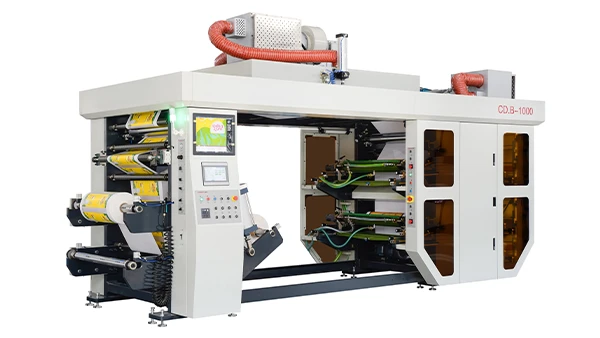
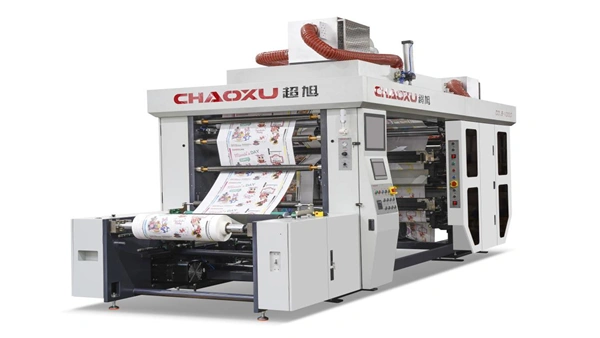
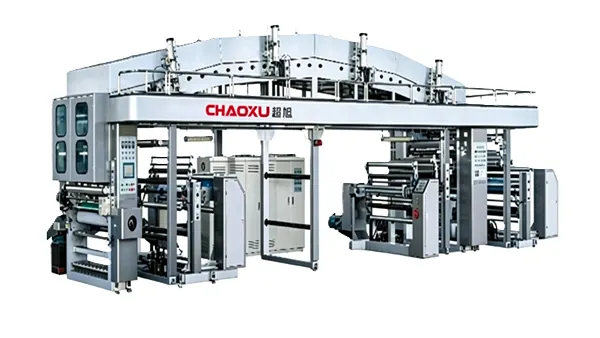
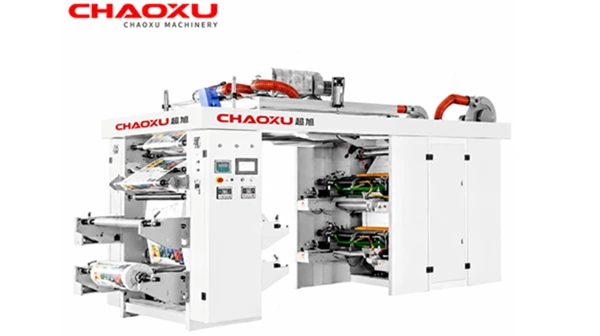
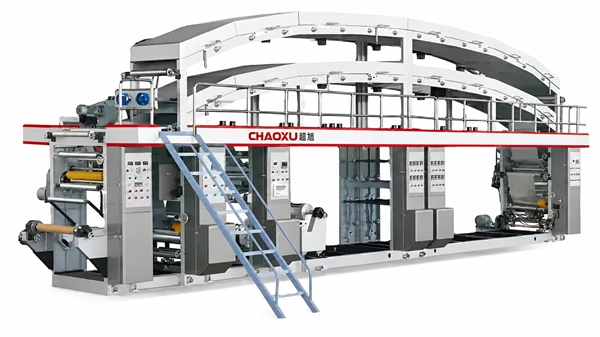
For a broader view of how press configuration affects print stability on corrugated and other substrates, review the available flexographic printing machine options and their material-handling characteristics.
When to Escalate Beyond Press-Side Adjustments
If the same defect appears across multiple jobs on different liner lots, the issue likely sits upstream of the press. Persistent fluting on multiple jobs may indicate the plate durometer specification is mismatched to the liner grades being run. Recurring ink adhesion failures across lots may point to a supply chain issue with the liner supplier’s surface treatment. Registration drift that cannot be corrected with tension and plate adjustments may warrant a review of the press’s drive and register control architecture.
In these cases, the next step is not more pressure or more ink — it is a structured review of the material specifications, plate parameters, and press configuration against the actual production conditions.
FAQ
What is the most common cause of registration problems on corrugated flexo?
Web tension variation is the most frequent root cause. Linerboard stretches under tension, so unstable unwind tension changes the print repeat length. Check tension stability before adjusting register controls.
Can fluting be eliminated entirely on corrugated board?
No. Fluting is inherent to printing on a compressible, fluted substrate. The goal is to reduce its visibility to an acceptable level by controlling impression pressure, selecting the appropriate plate durometer, and matching anilox volume to the ink film requirement.
Why does ink rub off even when the print looks visually acceptable?
Adhesion failure often occurs below the surface. If the liner’s surface energy is below the ink’s wetting threshold, the ink sits on the surface rather than bonding to the fibers. A dyne pen test on the incoming liner lot is the fastest diagnostic step.
How can I tell if board crush is happening if the print looks fine?
Measure caliper before and after printing. A reduction in caliper indicates crush, even if the printed surface appears normal. Compare the loss to the board supplier’s tolerance.
Does ink viscosity affect fluting or registration?
Yes. Higher viscosity increases ink film thickness, which can amplify density differences between flute peaks and valleys. Viscosity drift during a run also changes ink transfer, which operators may compensate for with pressure — indirectly affecting both fluting and registration.
What information should I record during a corrugated flexo run to troubleshoot later?
Record unwind tension, ink viscosity at start and end, impression pressure settings, board caliper before and after, and liner lot numbers. When a defect appears, this data narrows the root cause far faster than press-side guessing.
Conclusion
Corrugated flexo defects are not random. Registration drift, fluting, ink adhesion failure, and board crush each follow traceable cause chains that begin with tension, pressure, surface energy, or ink film thickness. The most effective troubleshooting approach is to identify which variable changed before adjusting anything else — and to verify the substrate against its specification before blaming the press.
If defects persist across jobs and substrate lots, the investigation should move from press-side adjustments to a review of plate specifications, anilox inventory, and press configuration against the actual production mix. Reviewing the available flexographic printing machine configurations with a technical team can help clarify whether the current setup is matched to the corrugated applications being run.